
08 · Text
AnnexText
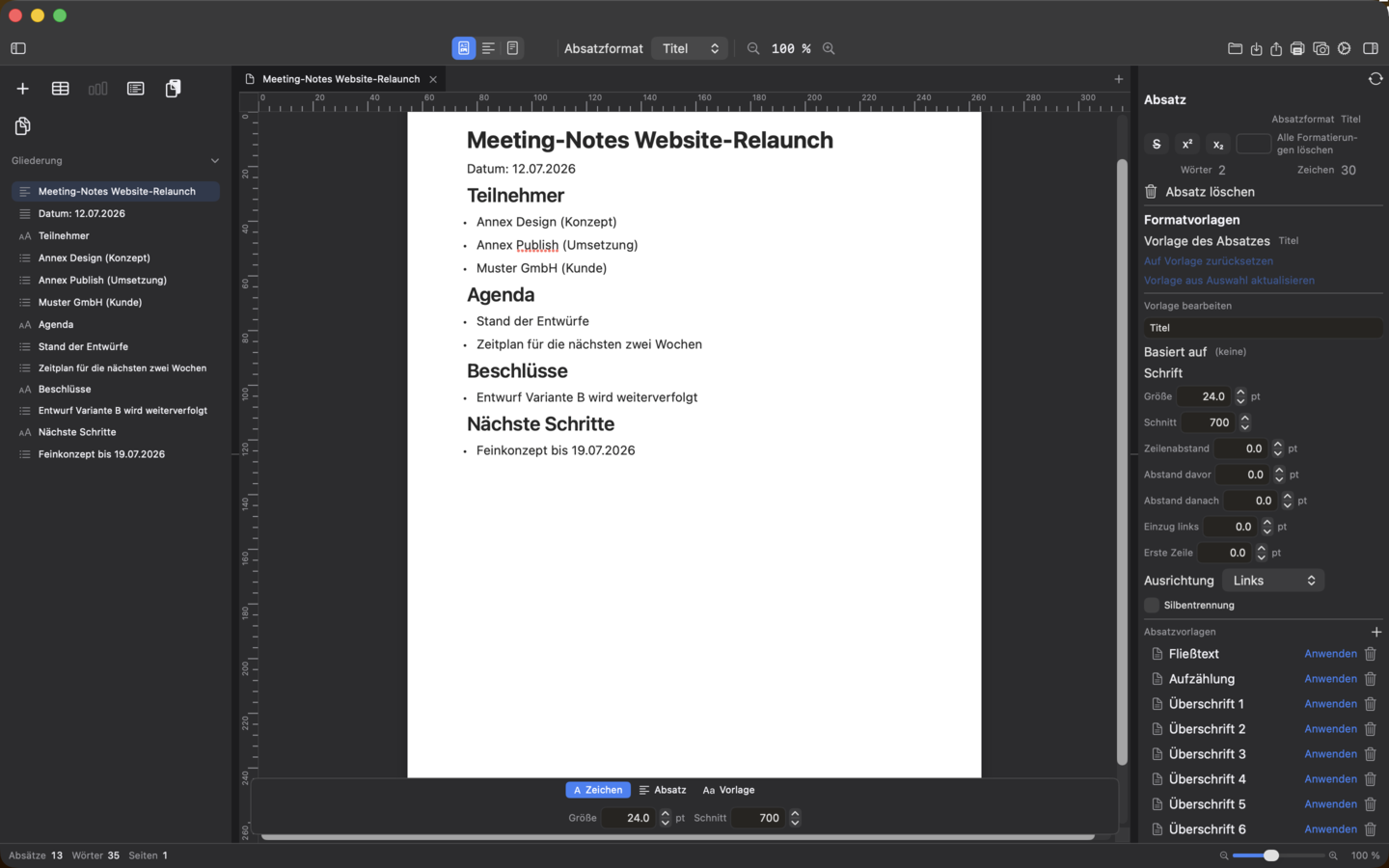
AnnexText is the word processor of the suite – with styles, revision tools and real DOCX/ODT round-tripping.
Included in Office bundle and Complete bundle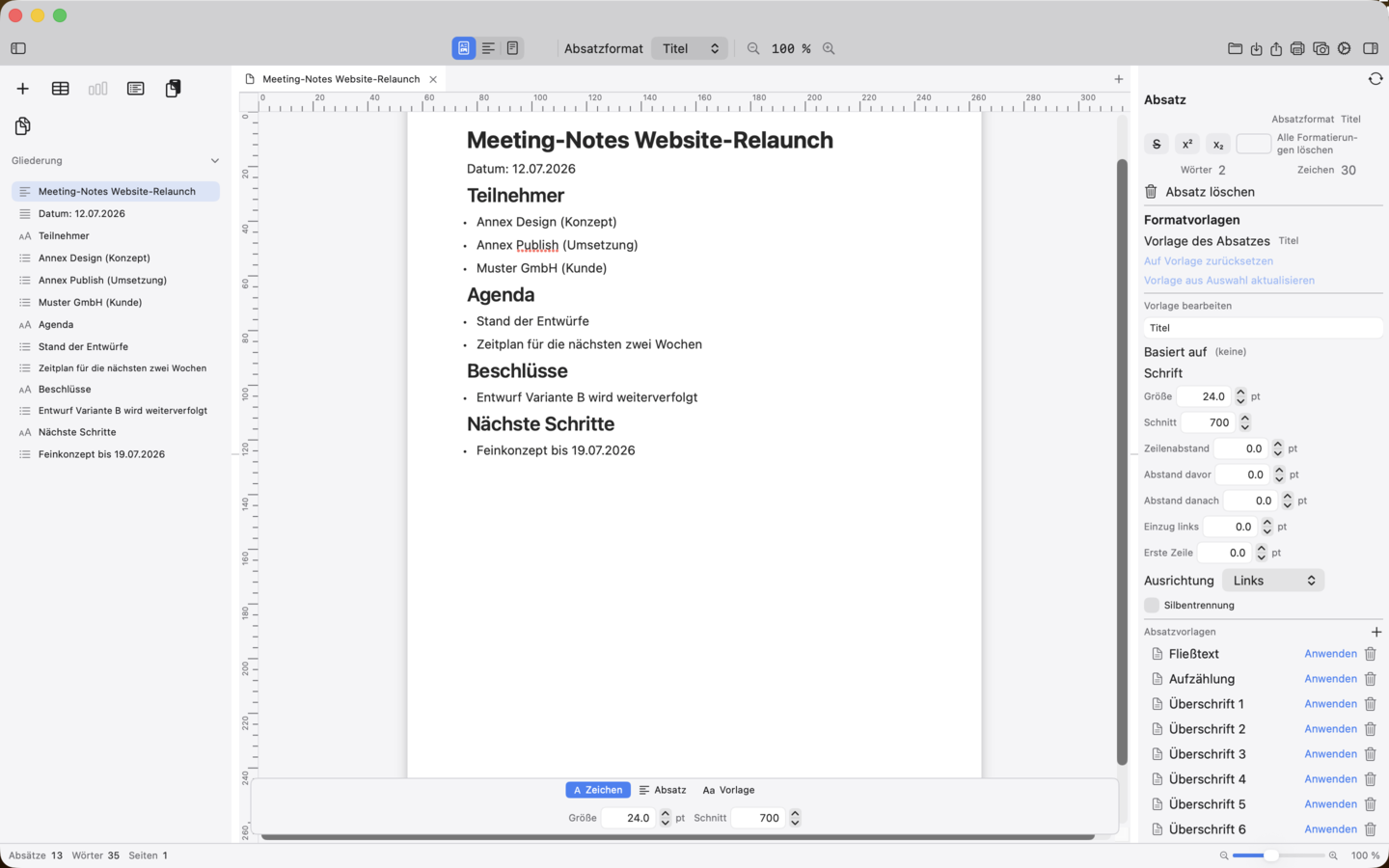
Ten top features
What the app can do
-
01
Paragraph-based editor with styles
Seven paragraph styles plus custom paragraph and character styles with inheritance, override resolution and “Reset to style”.
-
02
Character formatting and numbered lists
Bold, italic, underline and text colour at word/character level; numbered lists with automatic restart.
-
03
Tables, images and table of contents
Tables with merged cells and header rows, images as portable block elements with caption and alt text, automatic table of contents with page numbers.
-
04
Headers and footers with placeholders
Activatable header/footer left/centre/right, page numbers, date, time, file name and title automatically resolved.
-
05
Footnotes, endnotes, comments and change tracking
Notes at the page foot or document end, comments with status and separate line styles per editor for insertions/deletions.
-
06
Spelling and grammar checking
System dictionaries, asynchronous grammar hints, “Check now” and “Next error” across paragraph boundaries.
-
07
Mail merge from CSV
Import CSV data sources, assign placeholders and generate individual letters in one pass.
-
08
Correspondence templates
Fifteen templates for letters, enquiries, quotes, invoices and dunning letters with letterhead, address field, fold and punch marks.
-
09
Export DOCX, ODT and PDF
Output documents as real Office files or PDF; footnotes, endnotes and change tracking survive the round trip.
-
10
WYSIWYG page view and Markdown view
Alongside the outline, an editable page view and a Markdown source view with bidirectional conversion.
Availability
AnnexText is included in the Office bundle and the Complete bundle.


 Office-Bundle


 Complete-Bundle