
07 · Video
AnnexMotion
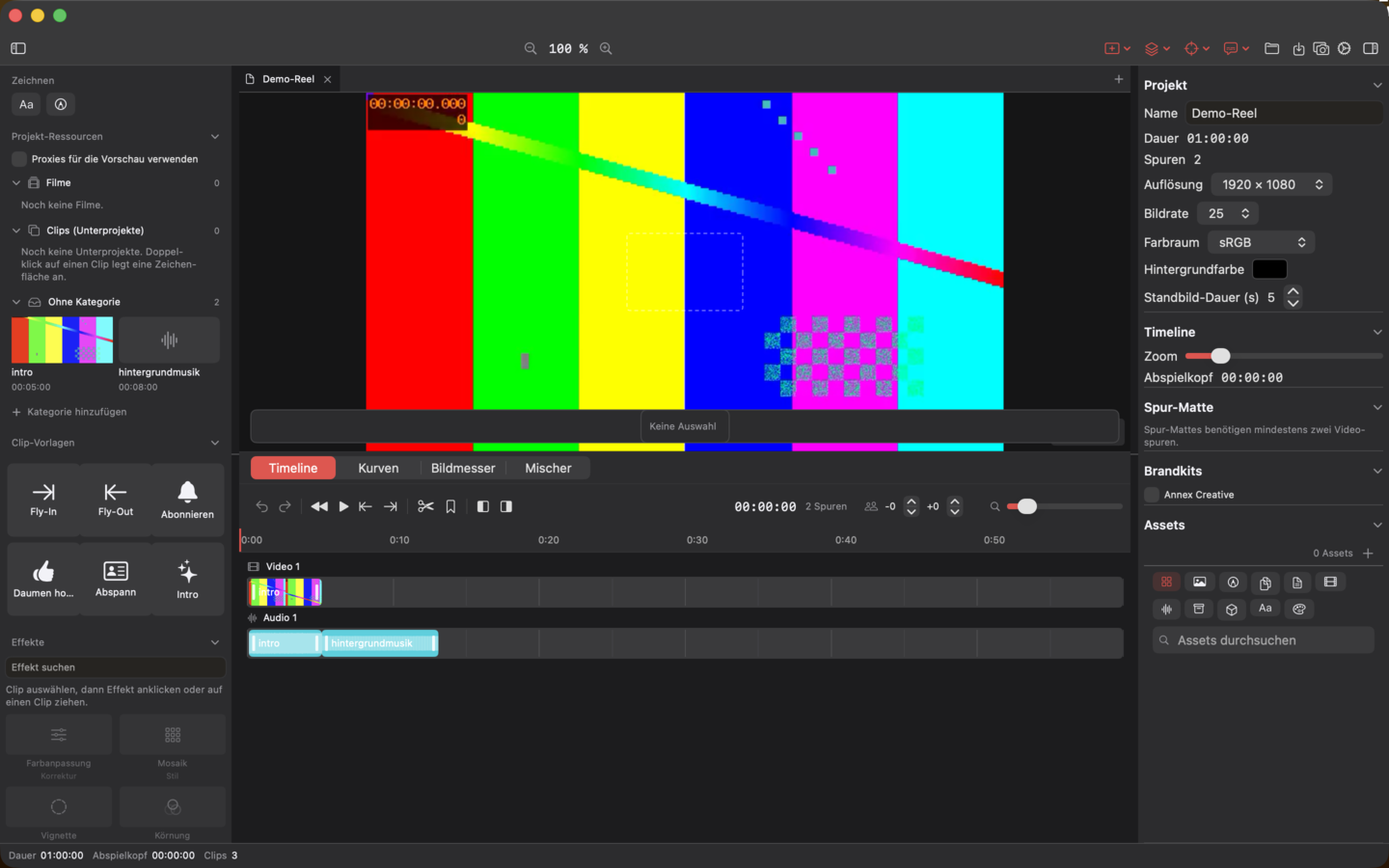
AnnexMotion is the video editor of the suite – with frame-accurate editing, Metal compositing, colour grading and background export.
Included in Complete bundle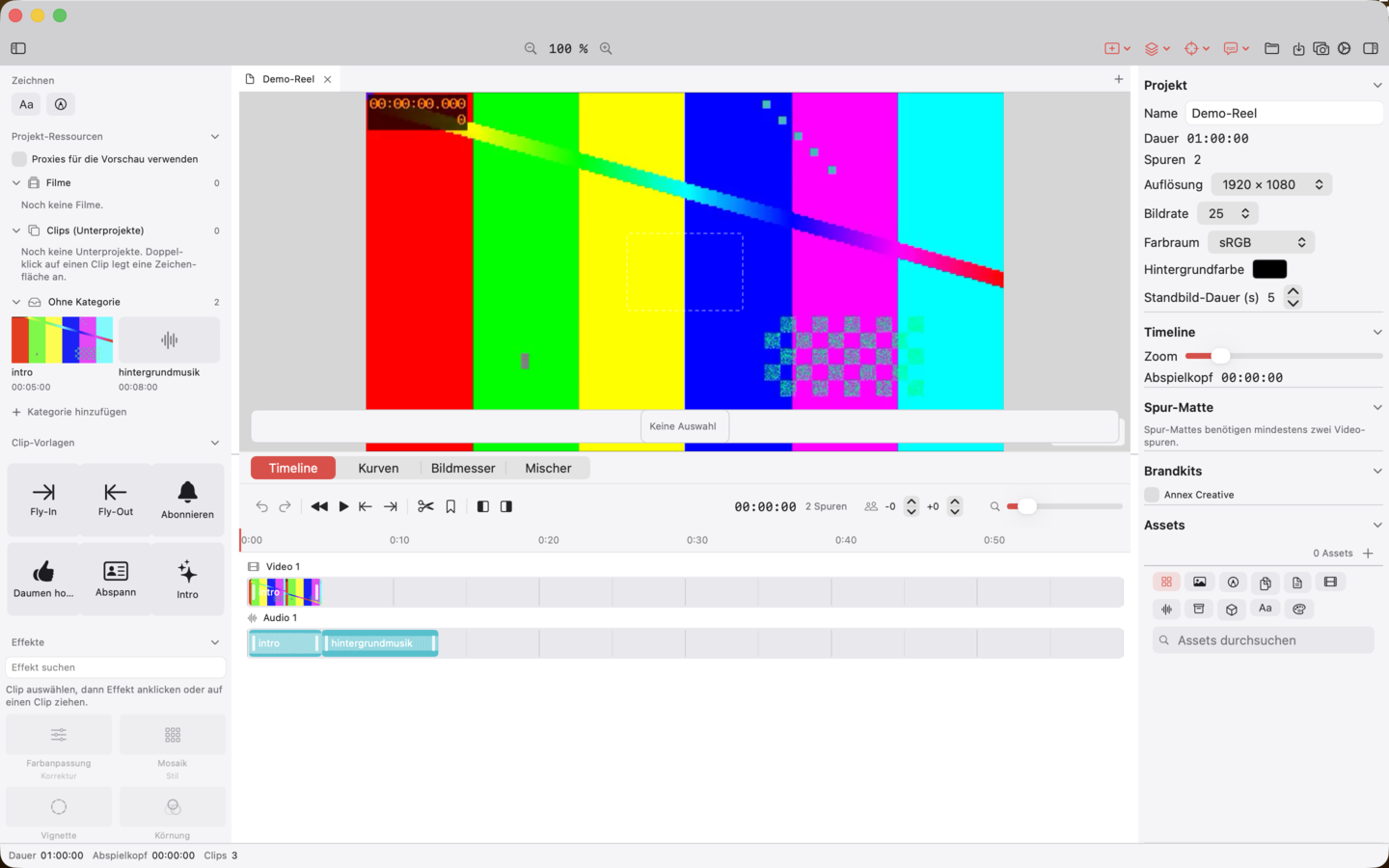
Ten top features
What the app can do
-
01
Frame-accurate timeline on rational time
Video, animation and audio tracks with CMTime-compatible timings, marker track, zoom and in/out range.
-
02
Professional editing operations
Blade, ripple trim, magnetic tracks, mute/solo/lock per track as well as roll, slip and slide trims.
-
03
Metal compositing for preview and export
Transform, blend modes and track mattes rendered through the same Metal core; preview matches the exported result.
-
04
Keyframes and curve editor
Animate position, scale, rotation, opacity and effect parameters; drag keyframes in the curve editor and assign easing.
-
05
Transitions and effect stack per clip
Cross dissolve, wipe, push and multi-pass effects such as Gaussian blur, glow, sharpen, colour adjust and chroma key stackable.
-
06
Adjustment clips
Effect clips without their own image affect all video clips below them within a time range.
-
07
Colour grading with scopes
Lift/gamma/gain colour wheels, tone curves per channel, HSL qualifier with mask view, .cube LUT import as well as luma histogram and waveform.
-
08
Audio intelligence
Auto-ducking under dialogue, beat markers from waveform analysis and loudness normalisation to −14 LUFS via EBU-R128.
-
09
Lottie export
Export title layers of the animation tracks as Lottie JSON; omitted content is named in the dialog instead of silently omitted.
-
10
Background export
Video export shows its progress and can be cancelled; errors are reported with a reason.
Availability
AnnexMotion is included in the Complete bundle.


 Complete-Bundle