
09 · Sheets
AnnexCalc
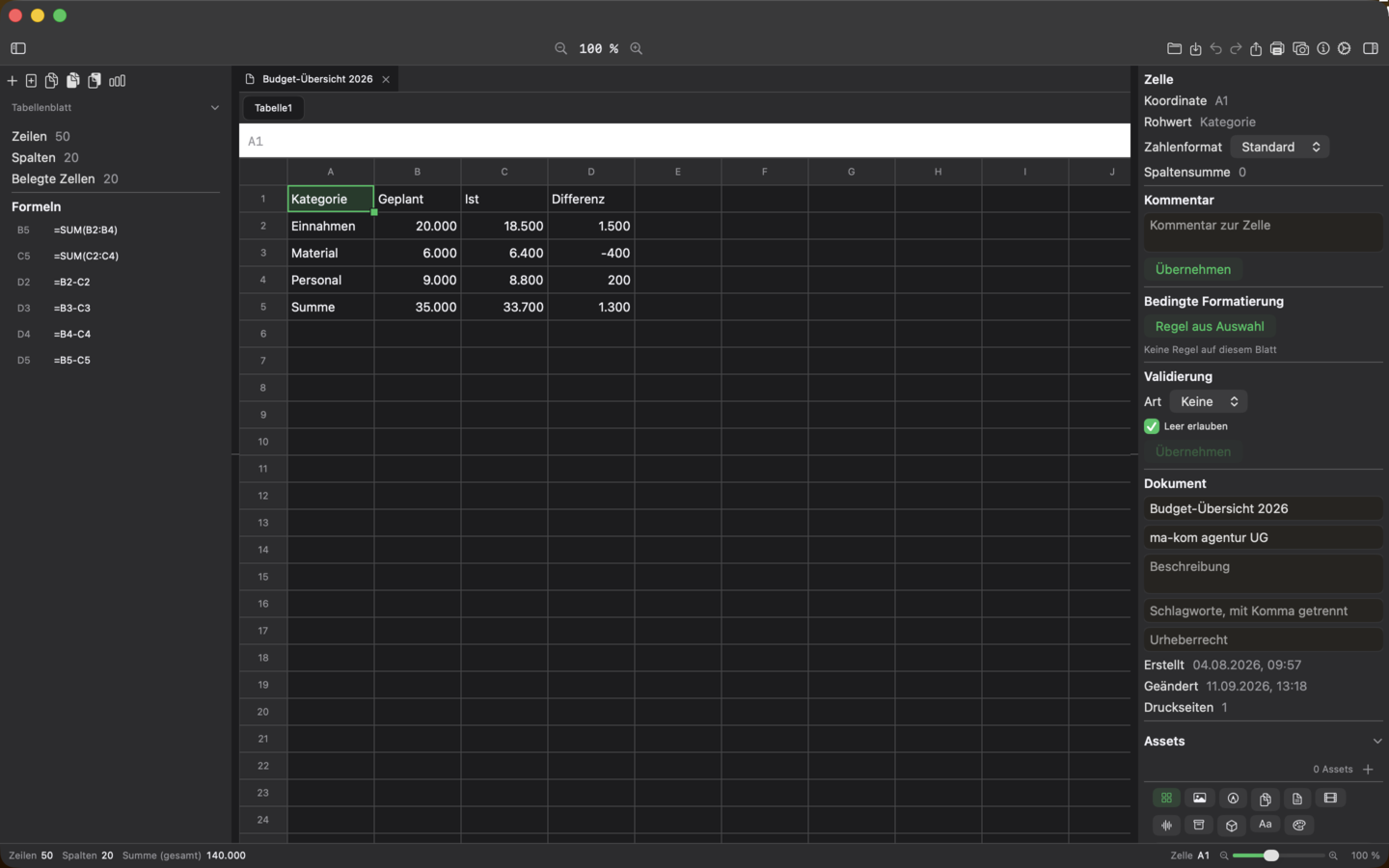
AnnexCalc is the spreadsheet of the suite – with a real formula engine, charts, conditional formatting and XLSX/ODS round-tripping.
Included in Office bundle and Complete bundle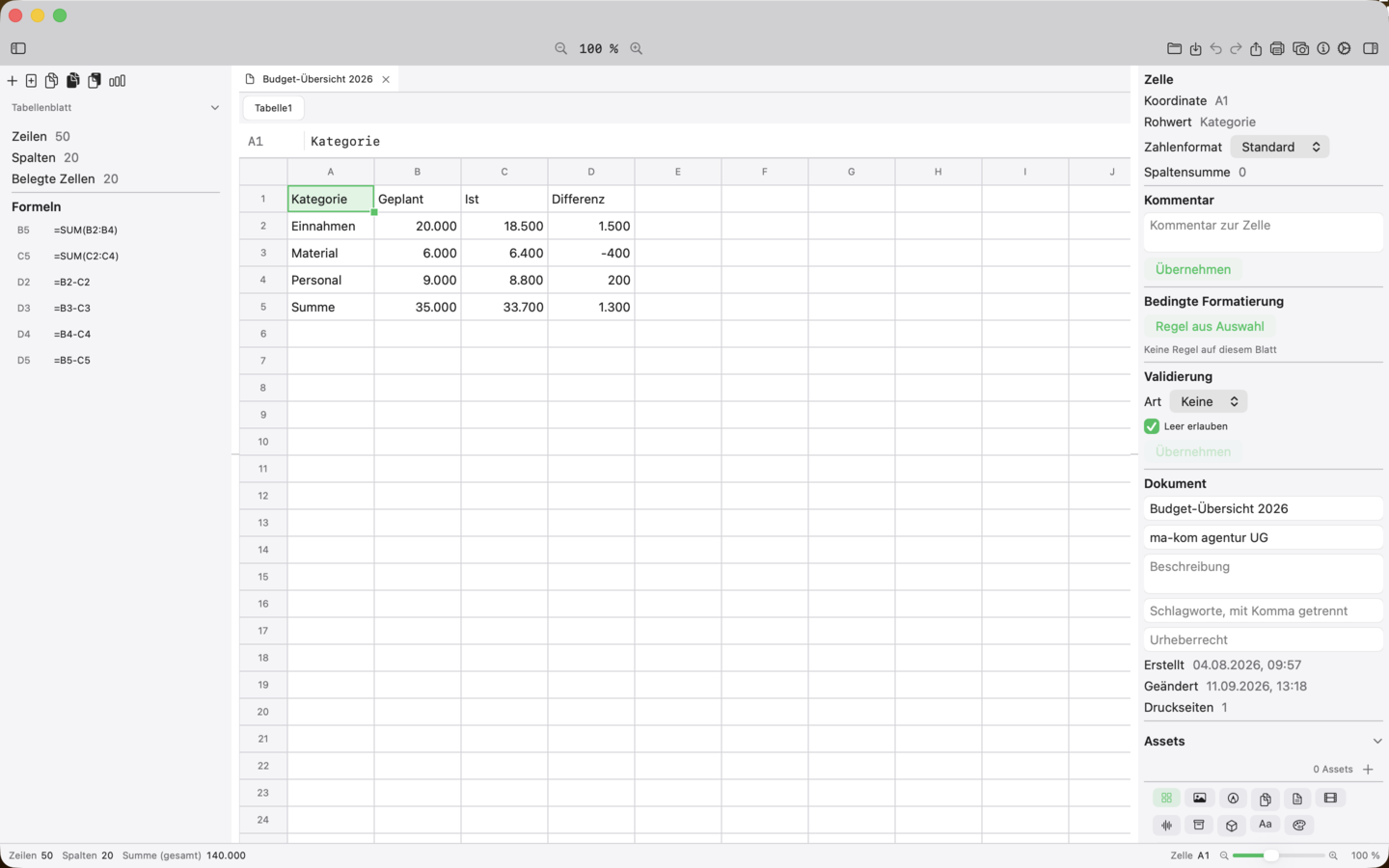
Ten top features
What the app can do
-
01
Cell grid with formula engine
Scrollable grid with row/column headers, text-field input and an engine for calculations, references and functions.
-
02
Multiple sheets per document
Create, rename, duplicate and delete any number of sheets per .axsheet file; the last sheet is protected.
-
03
Number formats, sorting, auto filter and freeze panes
Currency, date, percentage and decimal places per cell; sort ranges, filter rows and freeze header row and first column.
-
04
Auto-fill and reference rewriting
Auto-fill rows and formulas; formula references stay correct when inserting/deleting rows and columns, even across sheets.
-
05
Charts from selected range
Create bar, line and pie charts from the selection; engine charts with six chart types in preview, print and PDF.
-
06
Conditional formatting
Rules for greater/less/equal, between, contains text, empty/not empty with six colour roles; rules move with rows/columns.
-
07
Cell comments
Comments with author and timestamp on any cell, visible as a triangle and overlay text; move along with insert/delete/sort.
-
08
Data validation
Lists of allowed values or number ranges per cell; invalid values marked red, lists selectable as dropdown via right-click.
-
09
Pivot foundation
Create a new sheet from a selected range with grouping, aggregation and preview – sum, count, average, minimum or maximum.
-
10
Export XLSX, ODS, PDF and CSV
Save sheets in all common formats; XLSX/ODS adopt the parametrised number formats, PDF is output as a tagged table.
Availability
AnnexCalc is included in the Office bundle and the Complete bundle.


 Office-Bundle


 Complete-Bundle