
04 · Layout
AnnexPublish
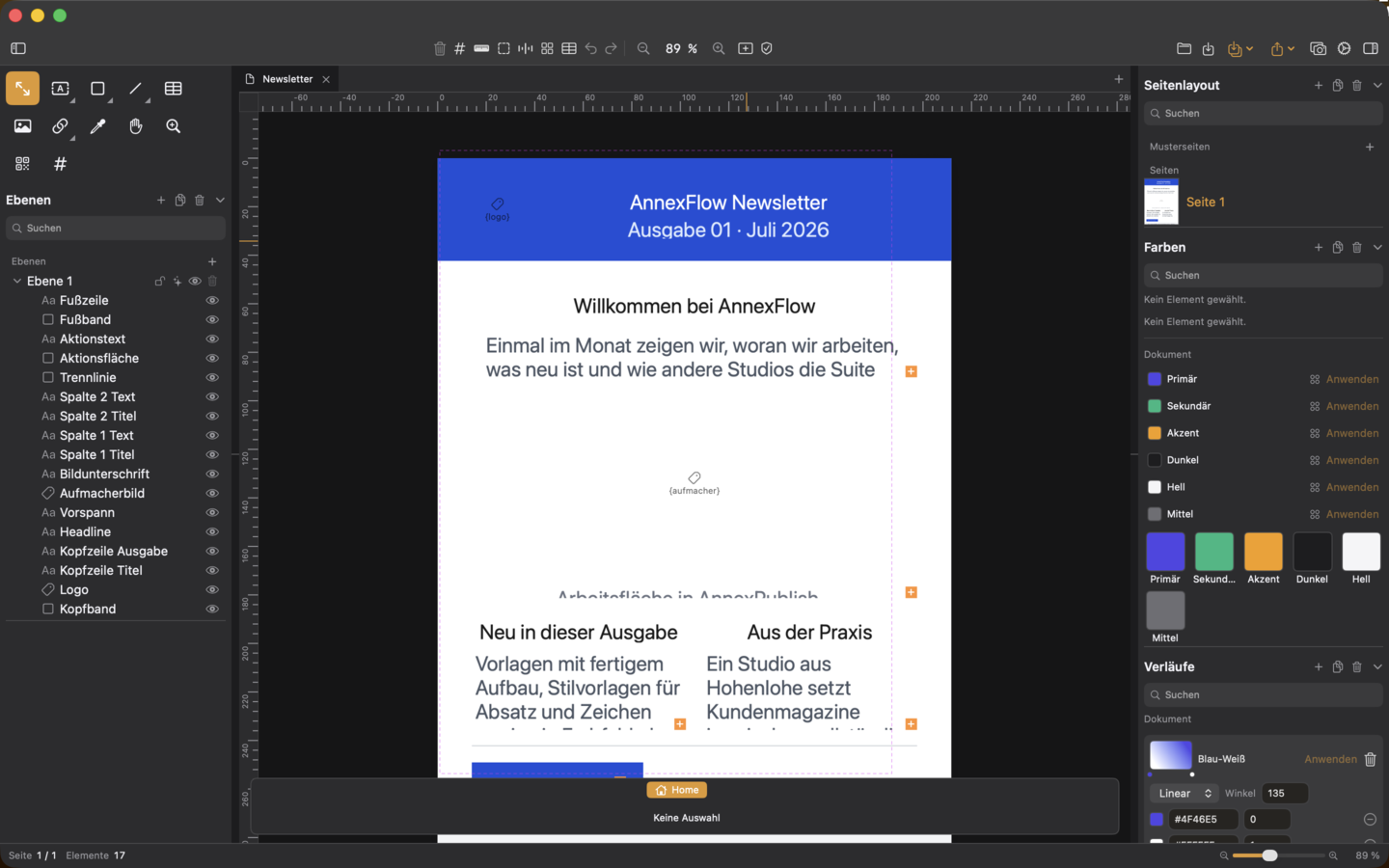
AnnexPublish unites typesetting and layout workflow in one program – from editorial layout to web export to accessible print templates.
Included in Creative bundle and Complete bundle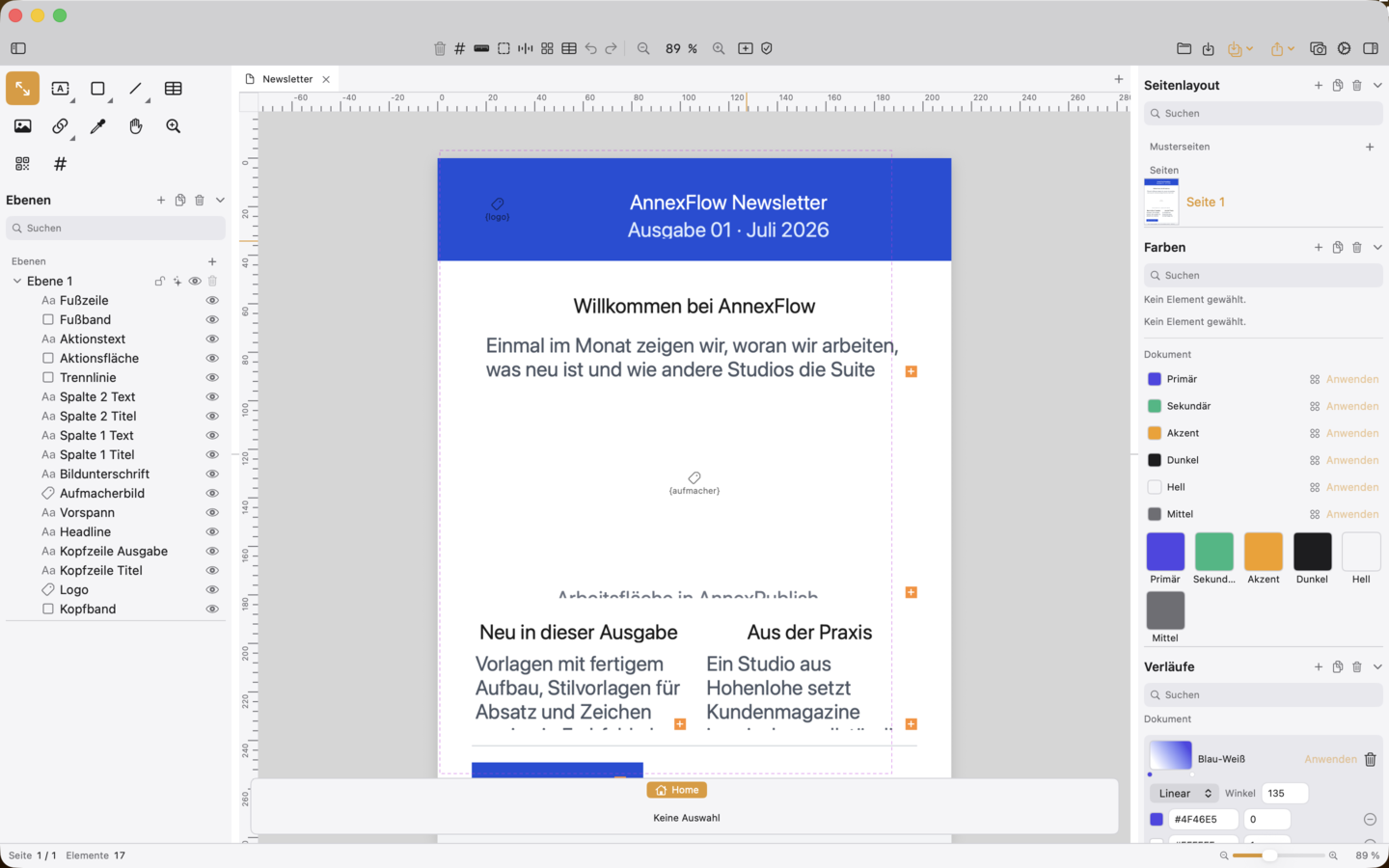
Ten top features
What the app can do
-
01
Panel column following familiar semantics
Seven collapsible sections for page layout, layers, paragraph/character styles, object styles, table styles, colours and gradients, each with its own search field and actions.
-
02
Spreads with gutter and outside margin
Create documents with true spreads, optional standalone first page, for book and magazine layouts.
-
03
Imposition
Distribute several pages onto one print sheet – saddle-stitch booklet with automatic page count padding or sheet assembly in a grid up to 6 × 6.
-
04
Real layers and layer groups
Every page and master page has its own layers with visibility, lock, opacity and printability; element stack as a nestable tree.
-
05
Text wrap along the object contour
Text flows around rectangles, ellipses, stars, vector paths or cut-out silhouettes; wrapping calculated identically in editor and PDF.
-
06
Styles for paragraph, character, object and table
Central styles with inheritance, override resolution, “Reset to style” and “Update style from selection”.
-
07
GREP styles
Assign character styles automatically via regular expressions, for example all numbers as lining figures or everything in brackets in italics.
-
08
Baseline grid
Document-wide grid with adjustable spacing and offset to which text frames align their lines.
-
09
Data merge / mail merge
Import CSV/JSON/XML/SQLite/HTTP data sources, bind placeholders and export all records in one pass as a multi-page PDF.
-
10
PDF, HTML and EPUB from one document
Faithful PDF export, responsive HTML/CSS page with local consent script and valid EPUB 3; PDF export is tagged for accessibility.
Availability
AnnexPublish is included in the Creative bundle and the Complete bundle.


 Creative-Bundle


 Complete-Bundle