
03 · Image
AnnexPhoto
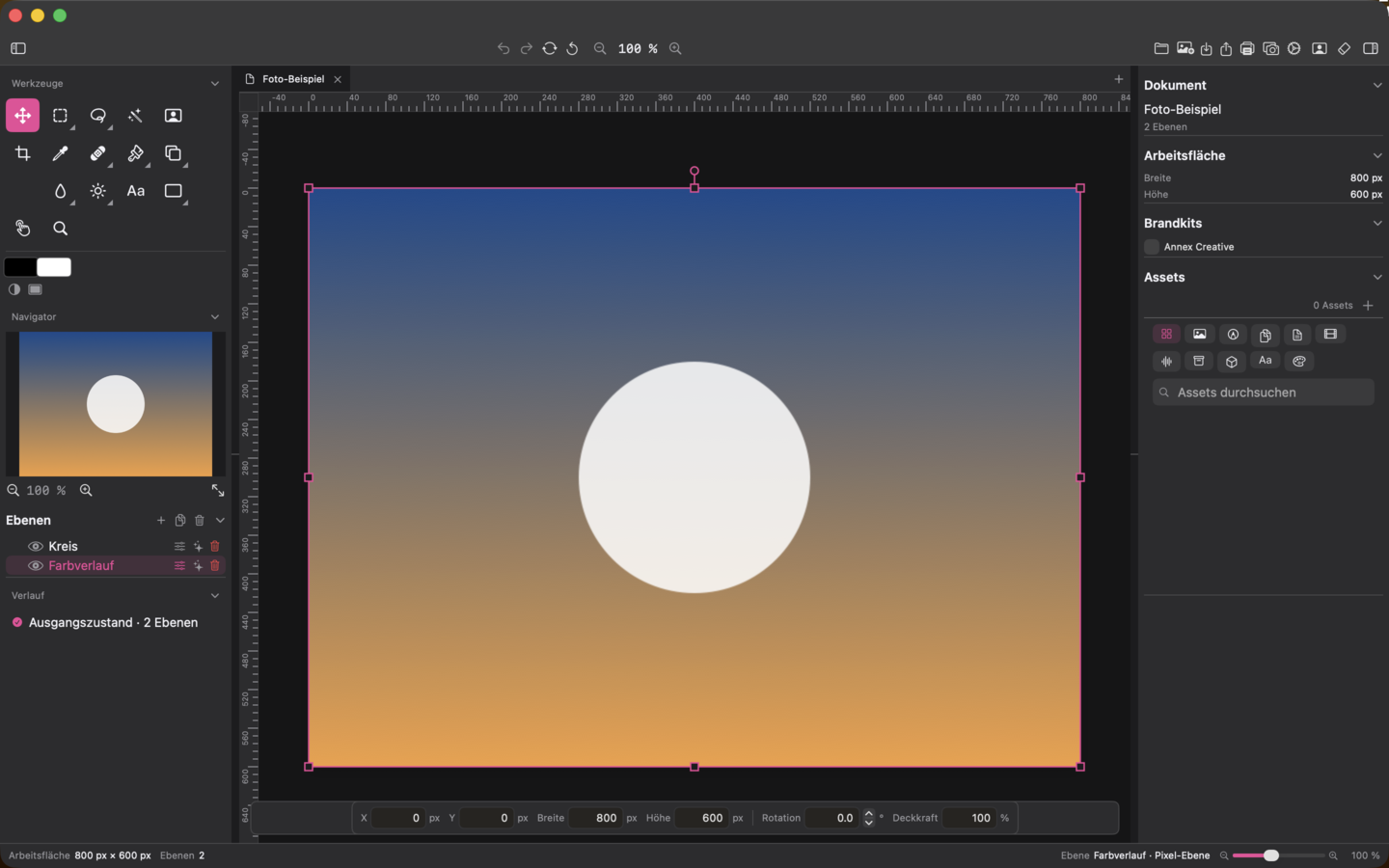
AnnexPhoto brings raster image editing with layers, masks and non-destructive adjustments into the suite – including local AI assistance for cut-outs and object removal.
Included in Creative bundle and Complete bundle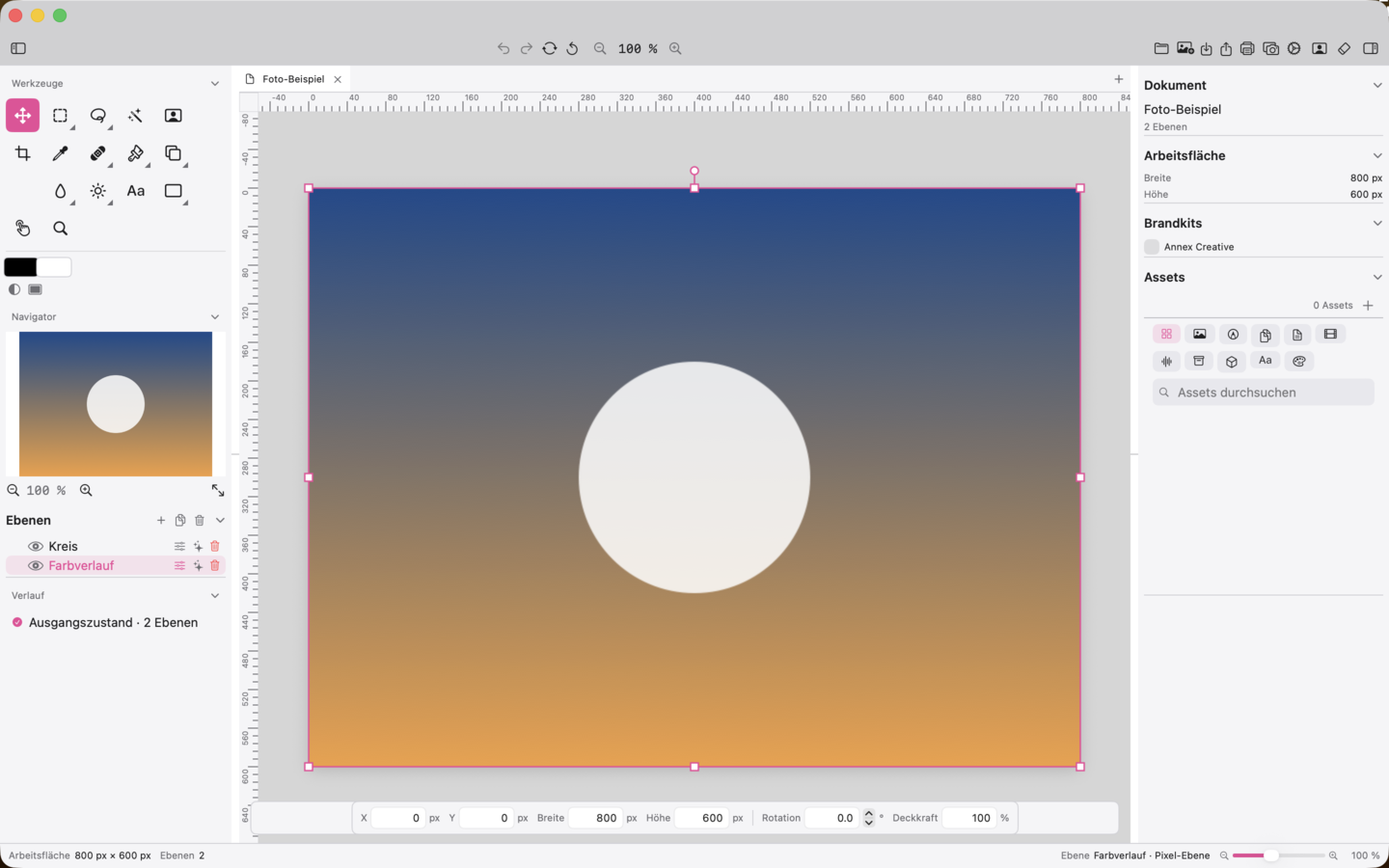
Ten top features
What the app can do
-
01
Layer-based document model with groups and masks
Nest pixel, adjustment and group layers freely; control visibility, locking, opacity and printability per layer.
-
02
Non-destructive adjustment layers
Brightness, contrast, saturation, levels, curves, colour balance and HSL as separate layers, switchable and editable at any time.
-
03
Layer filters and layer styles
Gaussian blur, unsharp mask, drop shadow, stroke, glow, emboss, colour and gradient overlays per layer, consistent in every output.
-
04
Smart Objects with smart filters
Turn pixel layers into Smart Objects, keep the original, re-edit later and apply filters as smart filters.
-
05
AI cut-out by subject selection
Detect the main subject on-device, mask it and cut it out as a new layer with a transparent background.
-
06
AI object removal and generative fill
Paint over unwanted objects via a local ComfyUI instance or fill selected areas prompt-controlled; the result is only inserted after confirmation.
-
07
RAW as its own layer
Bring RAW files into the document as their own RAW layer; exposure, colour temperature, tint, contrast, sharpness and noise reduction are stored with the layer as its development state.
-
08
CMYK soft proof with gamut warning
Show screen and print simulation side by side, colour out-of-gamut pixels magenta and display their share.
-
09
Perspective correction “Guided Upright"
Four handles describe a rectangular shape in the subject; automatic rectangle and horizon detection as a suggestion, correction as a history step.
-
10
Comprehensive tool palette with 32 tools
Selection, retouching, brush, gradient, shapes, dodge, burn and more; a Photoshop keymap preset is available.
Availability
AnnexPhoto is included in the Creative bundle and the Complete bundle.


 Creative-Bundle


 Complete-Bundle